⚡
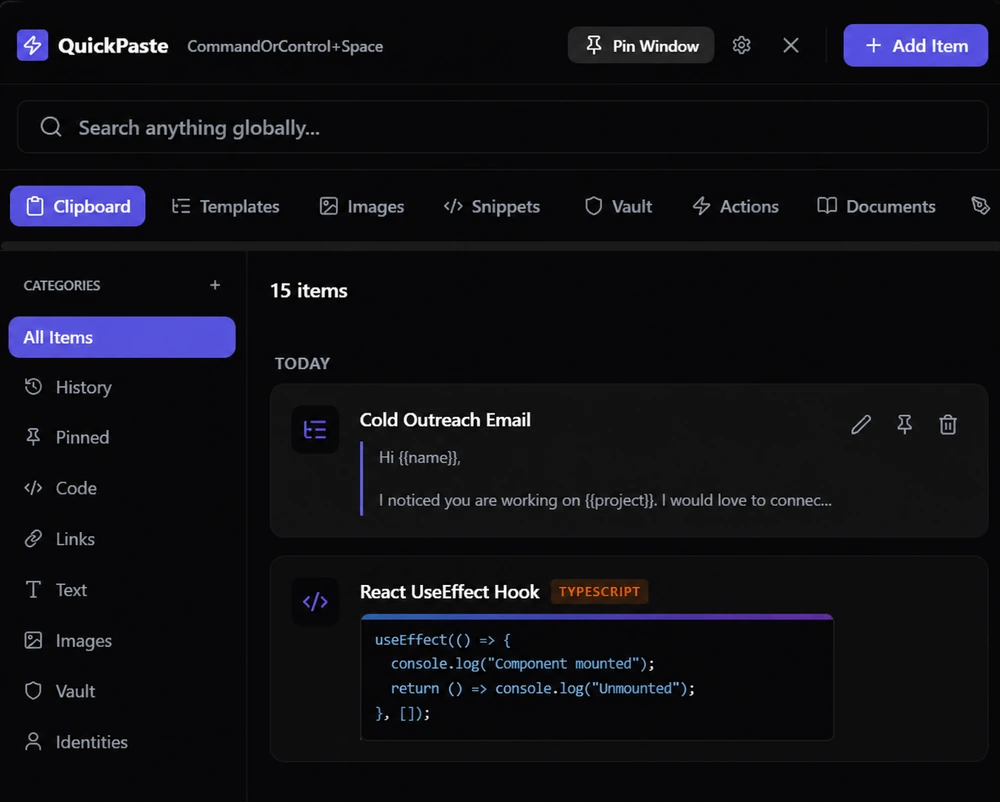
QuickPaste
CommandOrControl+Space
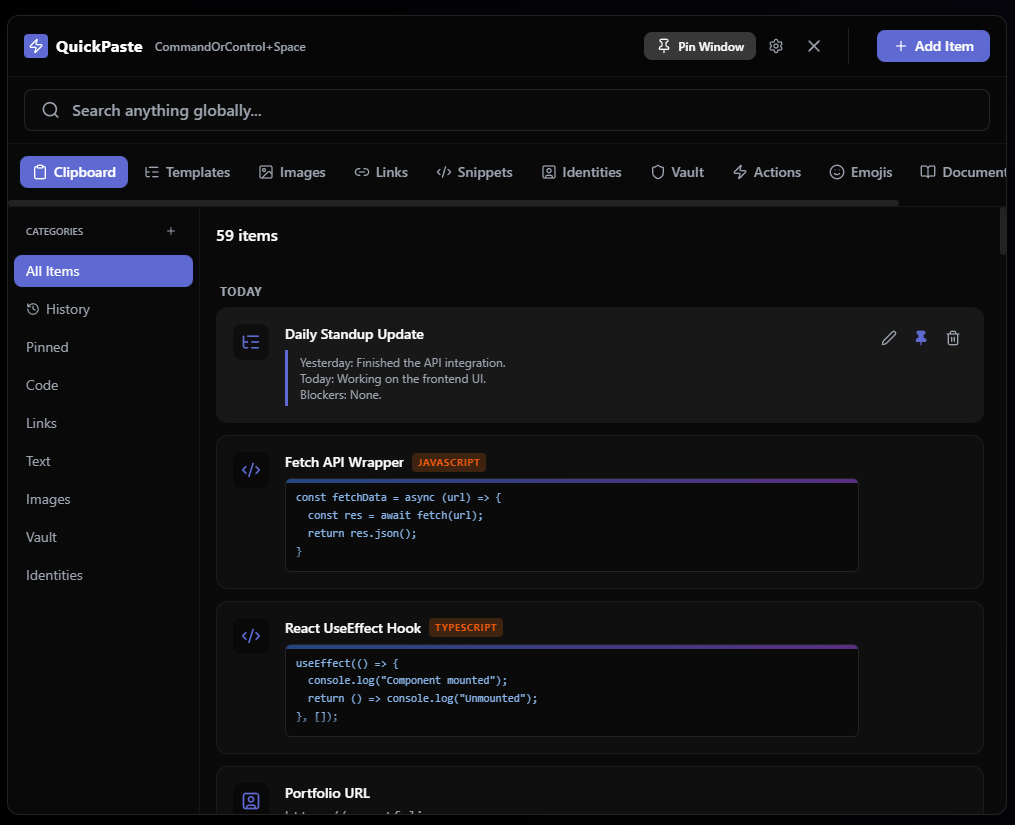
Meeting Notes
Review Q3 roadmap and finalize design files before 3 PM.
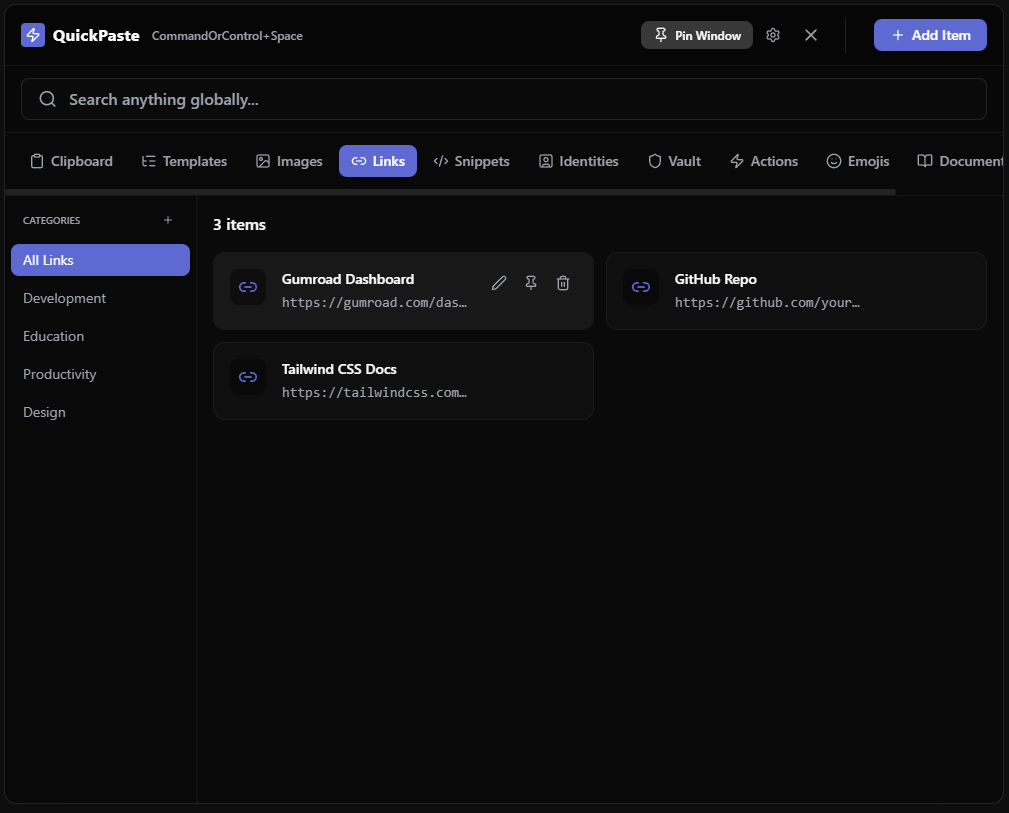
Figma Dashboard Layout
https://figma.com/file/dashboard-layout-v2
Console Error Fix
if (data && data.length > 0) { return data.map(item => item.id); }
Brand Hex Codes
Primary: #7367F0, Secondary: #0a0a0c, Success: #10b981
Zoom Standup Link
https://example.com/meeting/123456
Git Command
git rebase -i HEAD~3
Jira Ticket Number
ENG-4492
Docker Build Snippet
docker-compose up -d --build --remove-orphans
Mock JSON Payload
{ "user_id": "usr_9981", "status": "active" }
Stripe Docs URL
https://stripe.com/docs/api/charges/create
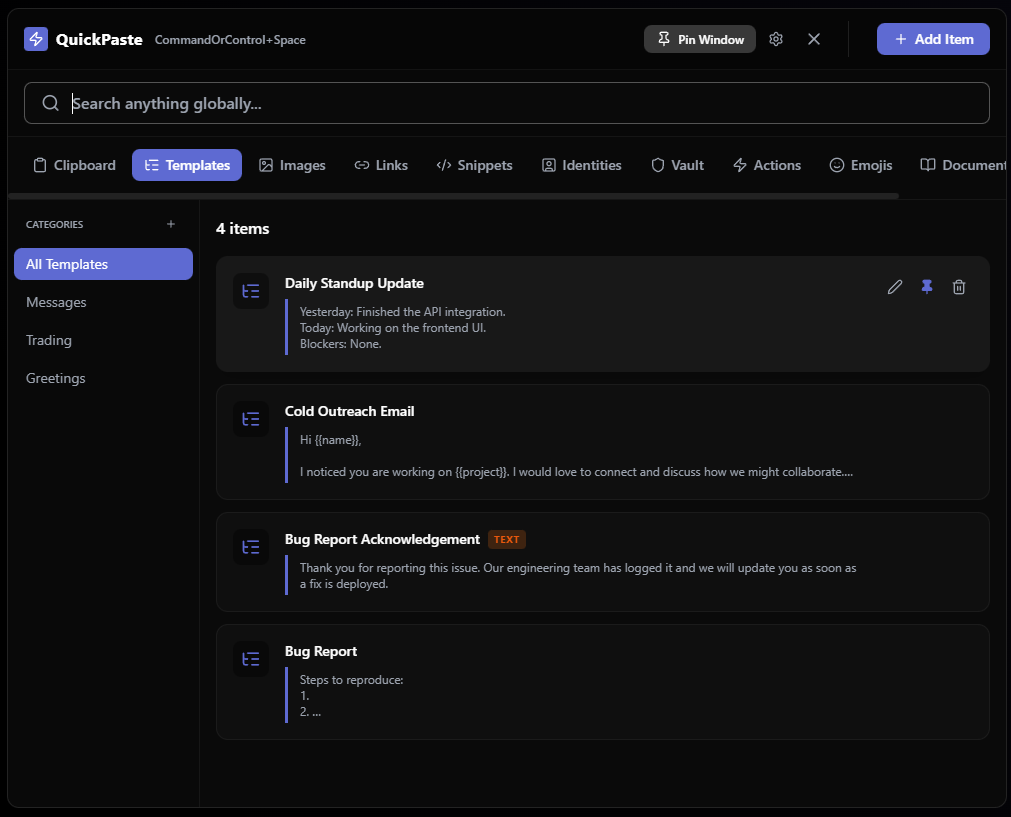
Bug Report Acknowledgement TEXT
Thank you for reporting this issue. Our engineering team has logged it and we will update you as soon as a fix is deployed.
Weekly Sync Update TEXT
Progress: Finished the authentication flow. Blockers: Waiting on design assets for the user profile page.
Client Onboarding TEXT
Welcome to the platform! Here is your quick start guide and documentation links to help you get set up.
Refund Processed TEXT
Your refund has been successfully processed. Please allow 3-5 business days for the funds to appear in your account.
Pull Request Review TEXT
The logic looks solid. Please resolve the minor linter warnings and format the code before merging into main.
Out of Office TEXT
I am currently out of the office until Monday. For urgent technical matters, please contact the on-call engineer.
Partnership Follow-up TEXT
Thank you for the great conversation yesterday. I have attached the proposal we discussed for your review.
Meeting Agenda TEXT
Agenda: 1. Sprint metrics review 2. Q3 Roadmap adjustments 3. Open floor for blockers.
Product Demo Invite TEXT
Hi there, I would love to schedule a 15-minute call to show you how our tool can accelerate your team's workflow.
Password Reset Guide TEXT
You can reset your password by navigating to the login page and clicking the "Forgot Password" link at the bottom.
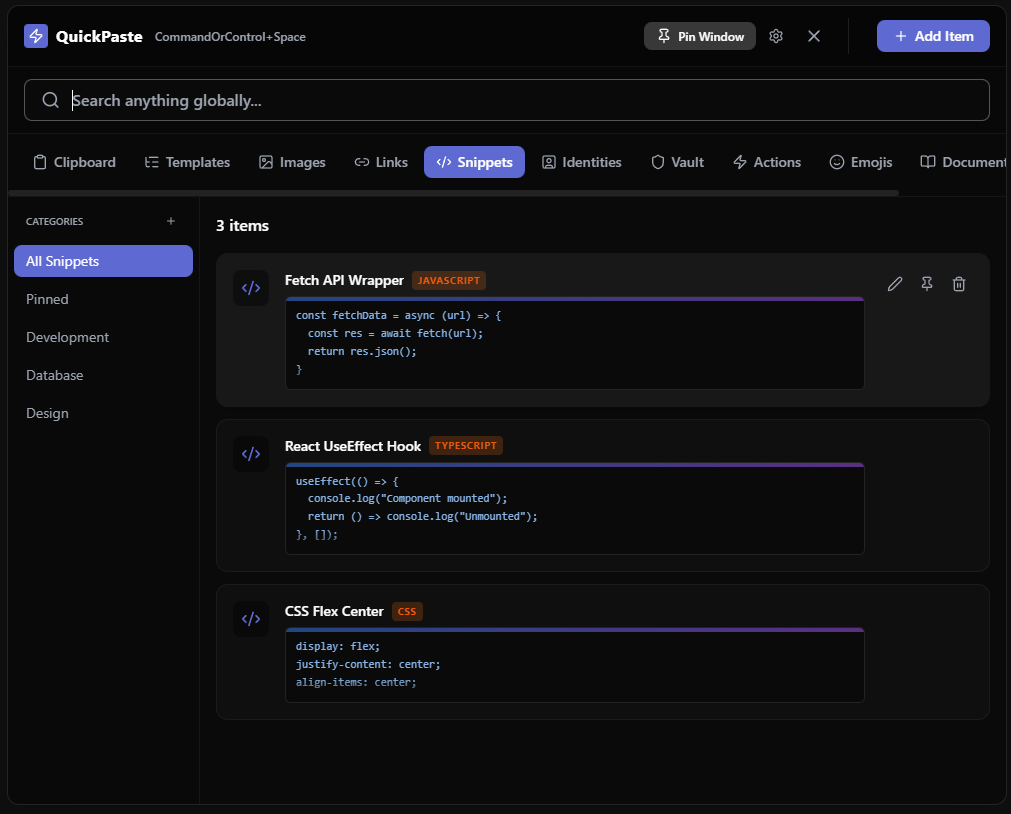
React Context Provider TYPESCRIPT
export const AppContext = createContext<AppState | null>(null);
Email Validation Regex JAVASCRIPT
const emailRegex = /^[^\s@]+@[^\s@]+\.[^\s@]+$/;
SQL Left Join SQL
SELECT users.name, orders.total FROM users LEFT JOIN orders ON users.id = orders.user_id;
Express Error Handler JAVASCRIPT
app.use((err, req, res, next) => { res.status(500).json({ error: err.message }); });
Python File Read PYTHON
with open('data.json', 'r') as file:
content = json.load(file)
content = json.load(file)
CSS Flexbox Center CSS
display: flex; align-items: center; justify-content: center;
Dockerfile Node Alpine DOCKER
FROM node:18-alpine
WORKDIR /app
COPY package*.json ./
WORKDIR /app
COPY package*.json ./
NextJS API Route TYPESCRIPT
export async function GET(req: Request) { return new Response('OK', { status: 200 }); }
Vim Discard Changes BASH
:q!
Chmod Executable BASH
chmod +x deploy.sh
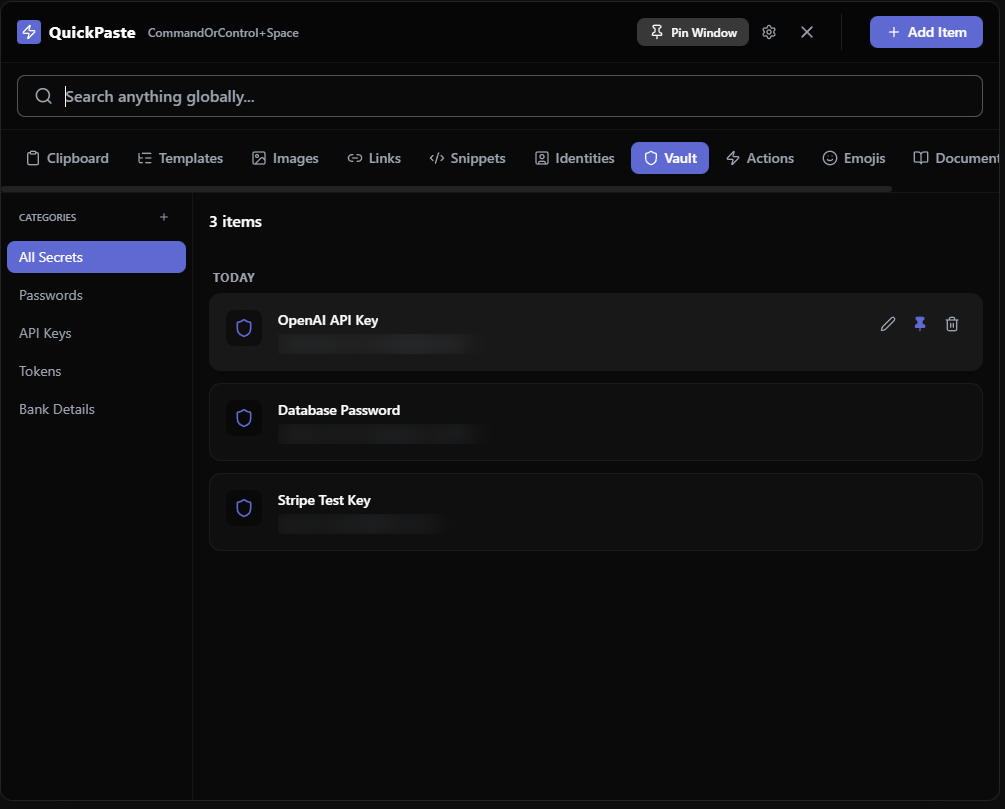
AWS S3 Access Key
••••••••••••••••••••••••
SendGrid Email Key
••••••••••••••••••••••••
Production Database URI
••••••••••••••••••••••••
Vercel Deployment Secret
••••••••••••••••••••••••
Stripe Live Key
••••••••••••••••••••••••
Admin Dashboard Login
••••••••••••••••••••••••
Redis Cluster Password
••••••••••••••••••••••••
Google Auth Client ID
••••••••••••••••••••••••
Cloudflare DNS Token
••••••••••••••••••••••••
GitHub CI/CD Runner Token
••••••••••••••••••••••••